`onConnectionStarted` callback added to Link SDK

We have added a new onConnectionStarted property to the callback functionality of the LinkLink The authorization flow that allows end users to connect their accounting, banking, or commerce platforms to your application via Codat. SDK. It is called with a ConnectionConnection A link between a Codat company and a data source (like an accounting platform). Each connection represents authorized access to pull or push data from that platform. argument, including its connectionId.
What's new?
When a user selects an integration and clicks Next in the LinkLink The authorization flow that allows end users to connect their accounting, banking, or commerce platforms to your application via Codat. flow deployed using our Link SDK, the onConnectionStarted callback will pass a connectionId to the SDK component.
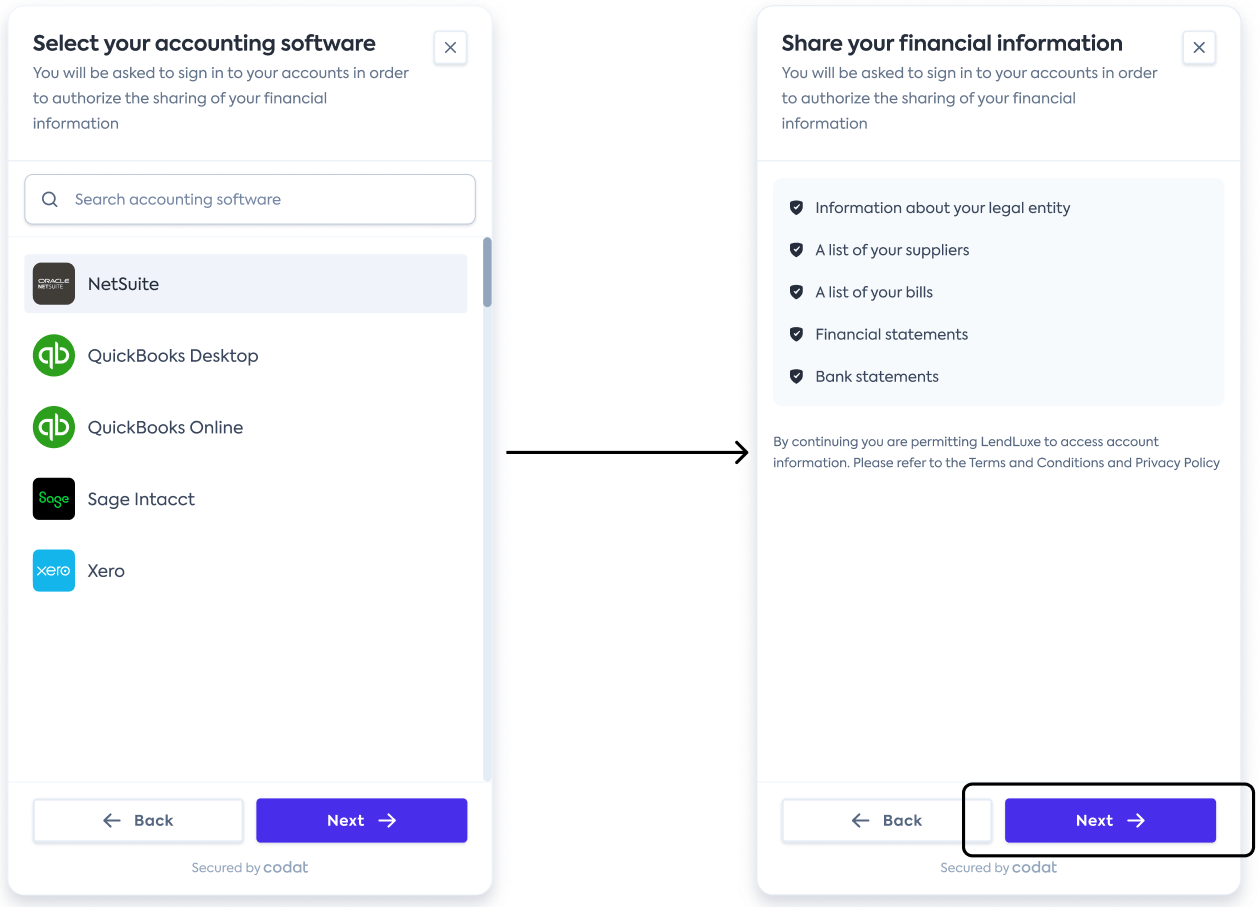
This indicates that a connectionConnection A link between a Codat company and a data source (like an accounting platform). Each connection represents authorized access to pull or push data from that platform. has been successfully created in a pending state, allowing you to track users reaching this point in the LinkLink The authorization flow that allows end users to connect their accounting, banking, or commerce platforms to your application via Codat. flow. You can identify which integration has been selected by calling the Get connection endpoint.
Who is this relevant for?
All clients using LinkLink The authorization flow that allows end users to connect their accounting, banking, or commerce platforms to your application via Codat. SDK to deploy the auth flow in their application.
How to get started?
To implement an auth flow with our LinkLink The authorization flow that allows end users to connect their accounting, banking, or commerce platforms to your application via Codat. SDK, see Get started with Link SDK.
If you are already using LinkLink The authorization flow that allows end users to connect their accounting, banking, or commerce platforms to your application via Codat. SDK, add this callback into your component. See Use callback functions for more details.